Bip Max
Overview - Icons
|
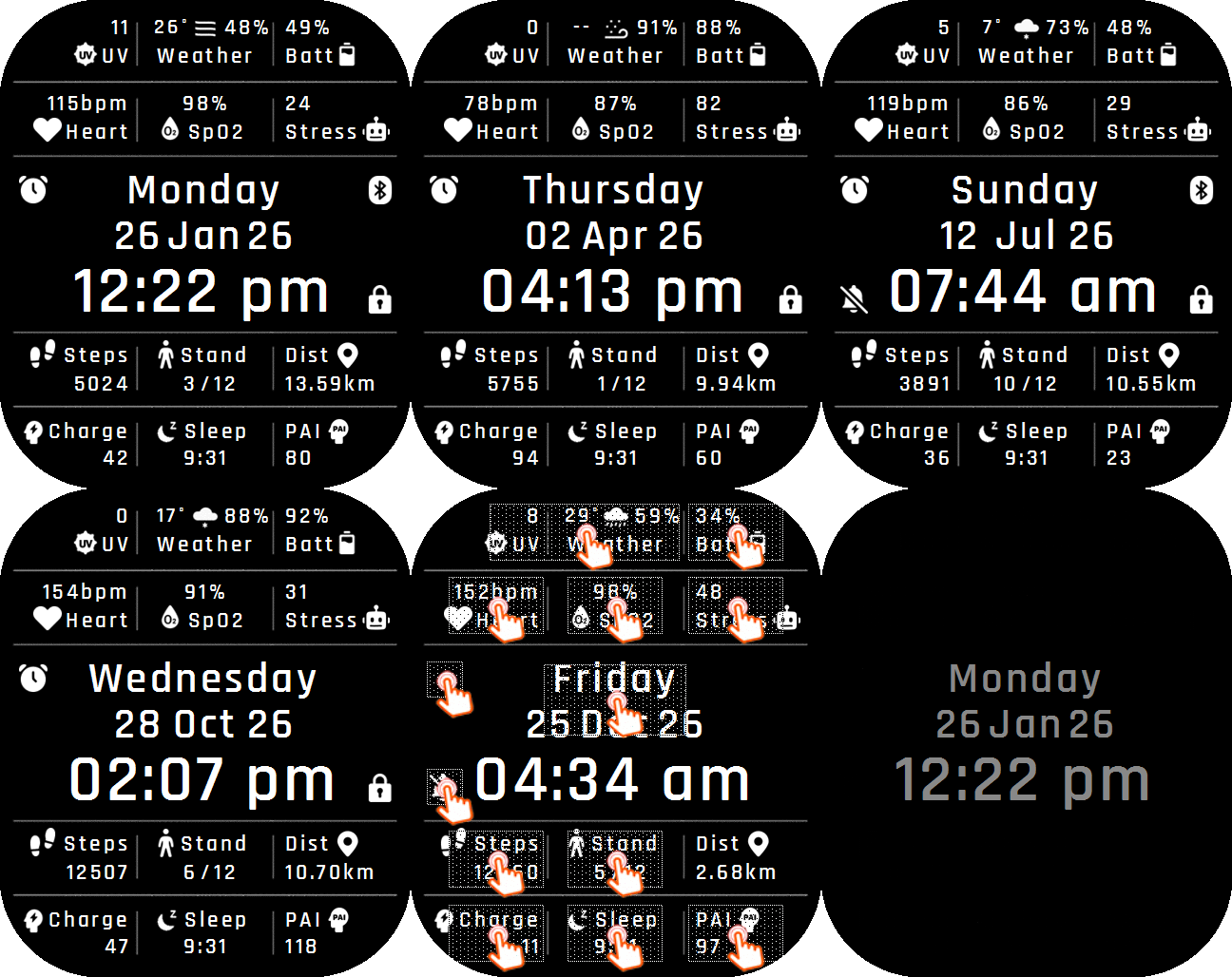
A data-rich layout that pairs prominent icons with time, weather, humidity, UV index, PAI, stand hours, activity metrics, and device-status indicators.
Official: Search |
Overview – TextOnly
|
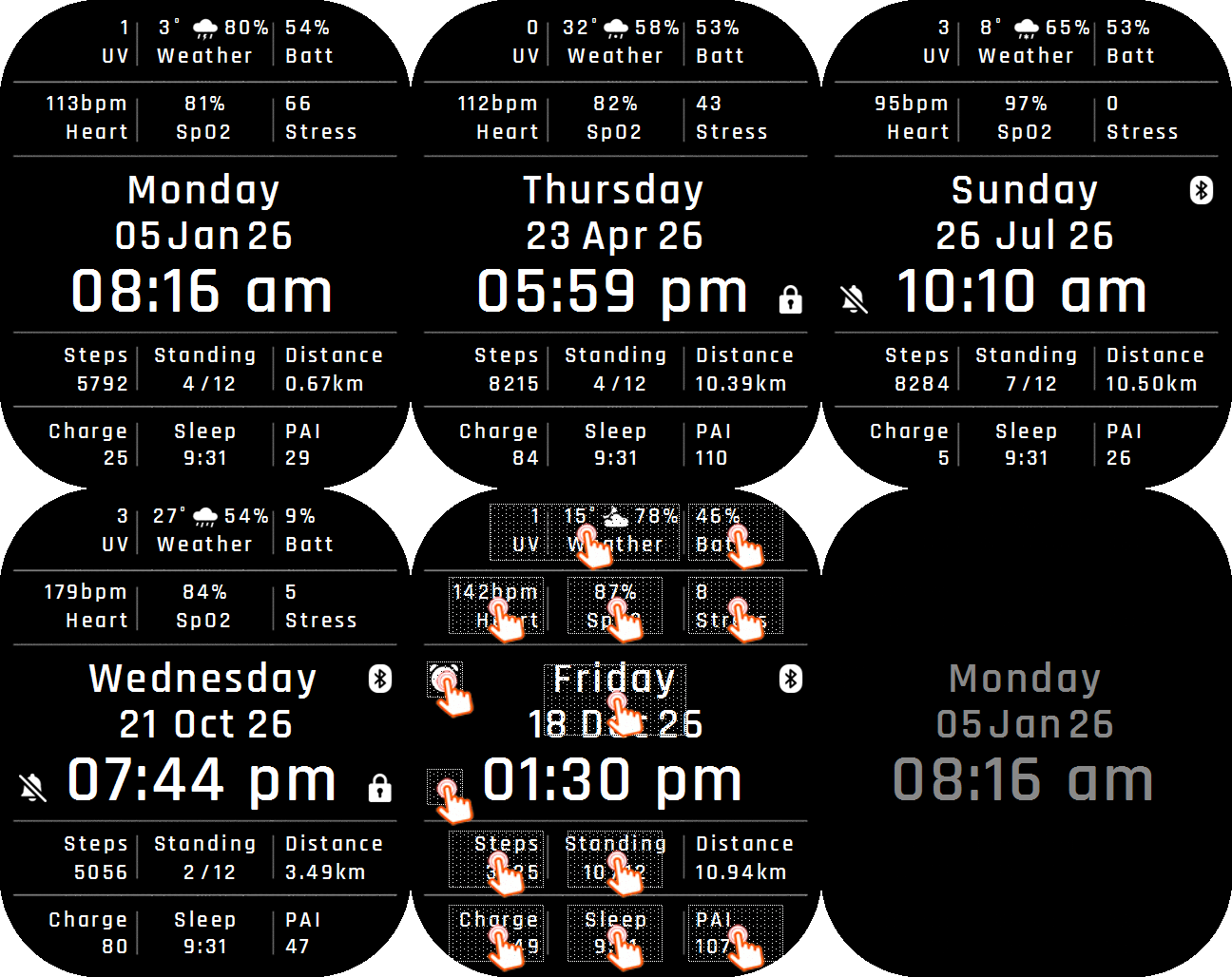
A clean, information-first layout that presents the time and watch data using text labels and values without decorative icons.
Official: Search |
Overview – BigTime
|
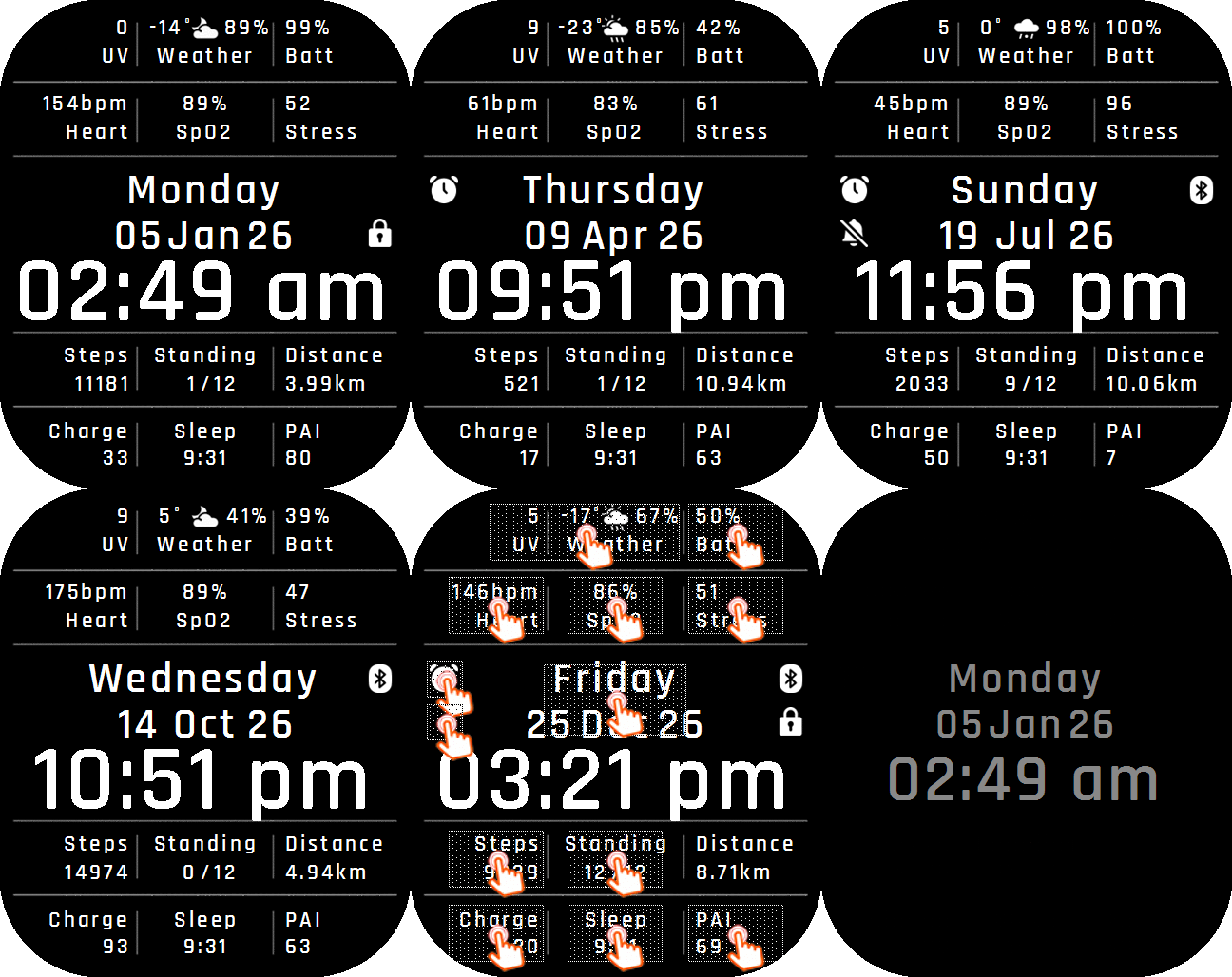
A clean, information-first layout that presents the time in a large font and watch data using text labels.
Official: Search |
Overview – Colourful
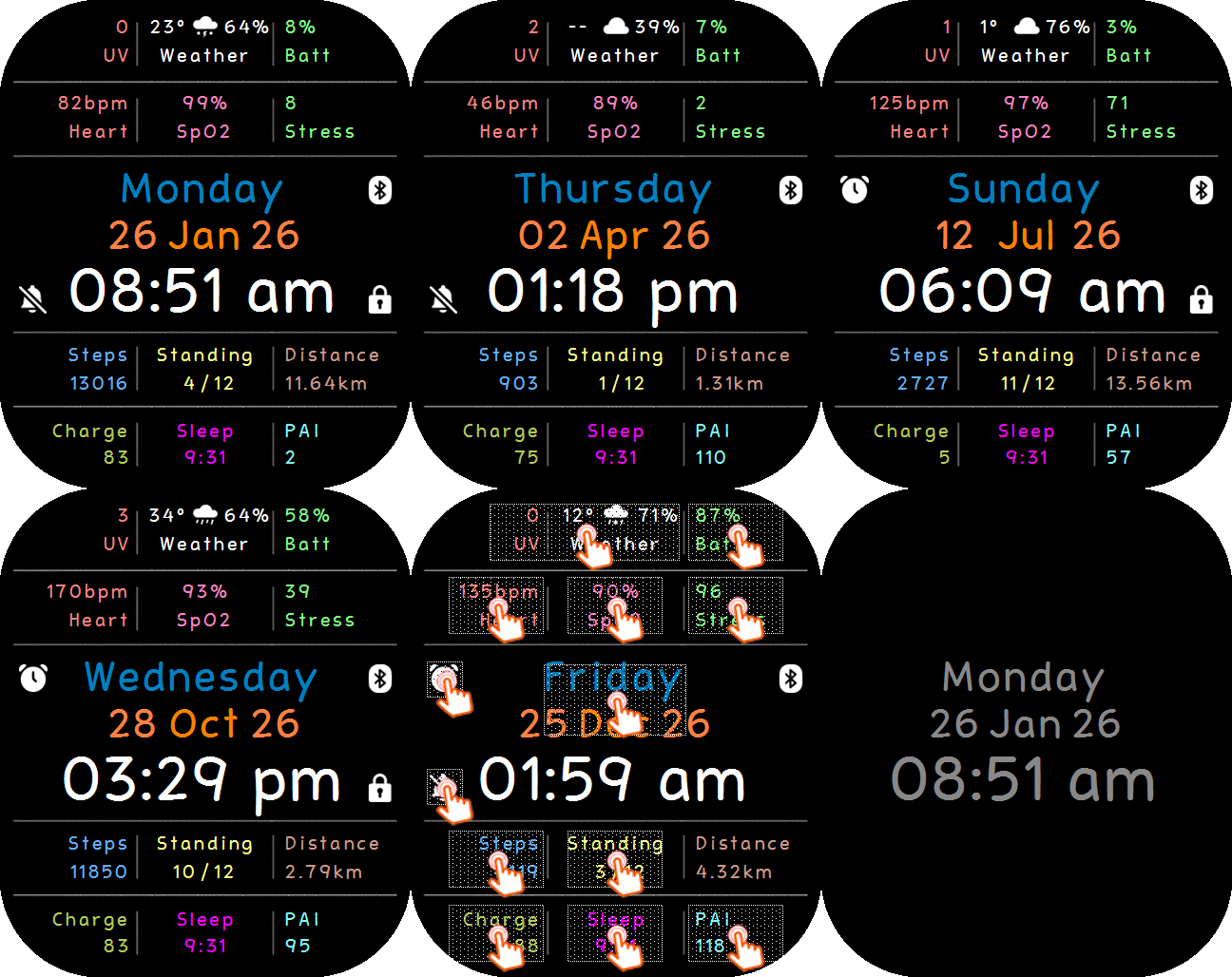
|
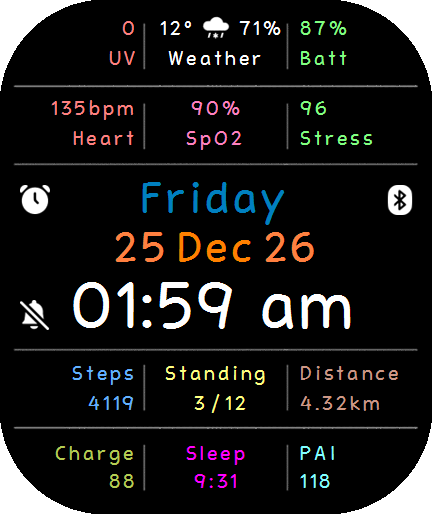
A vivid layout that uses contrasting colour accents to separate the time, health, activity, weather, and device-status information.
Official: Search |
Overview – Bubbles
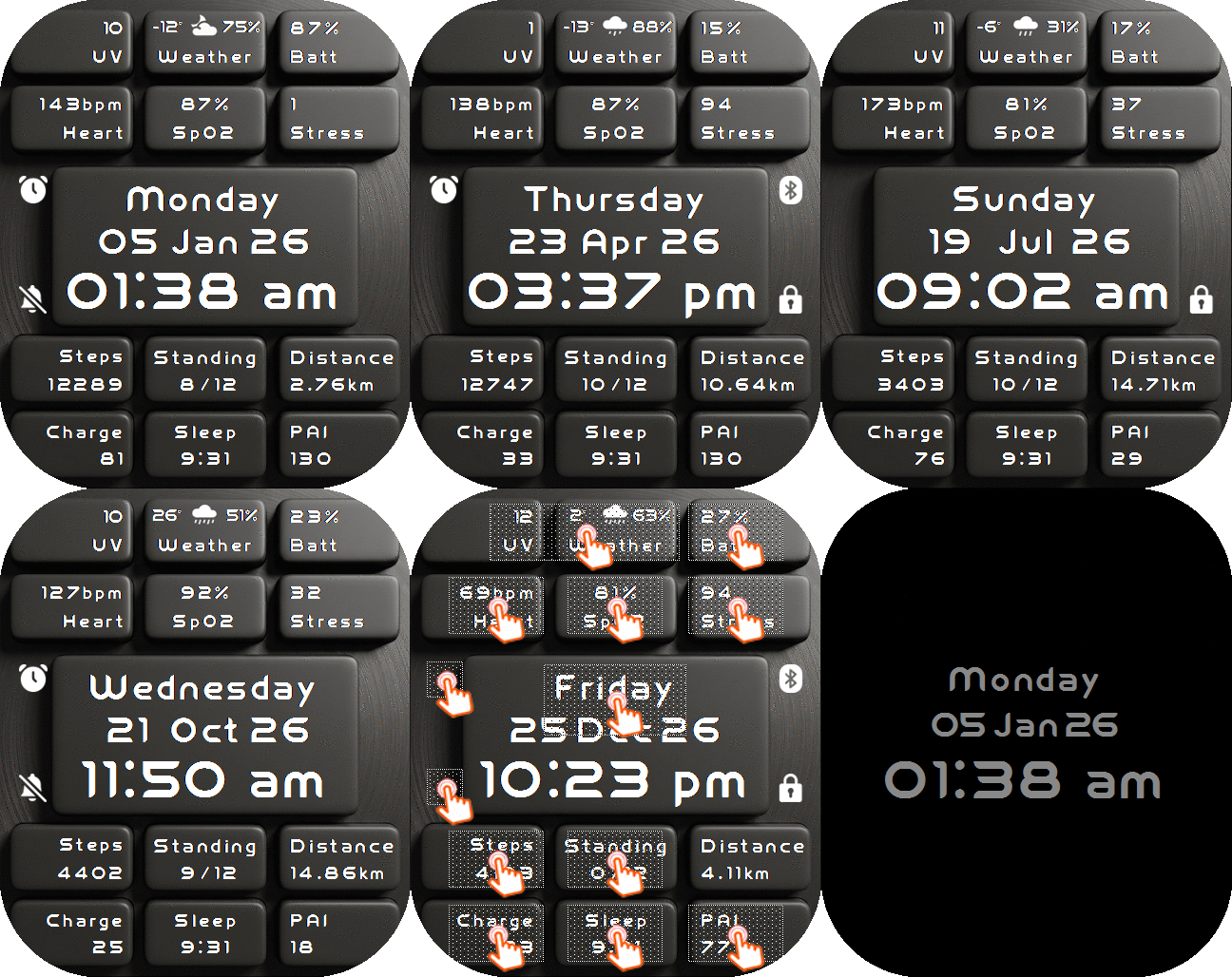
|
A playful layout that places the watch data inside rounded bubble elements, giving the time, conditions, activity, and status readings a softer visual style.
Official: Search |
Overview – SteamPunk
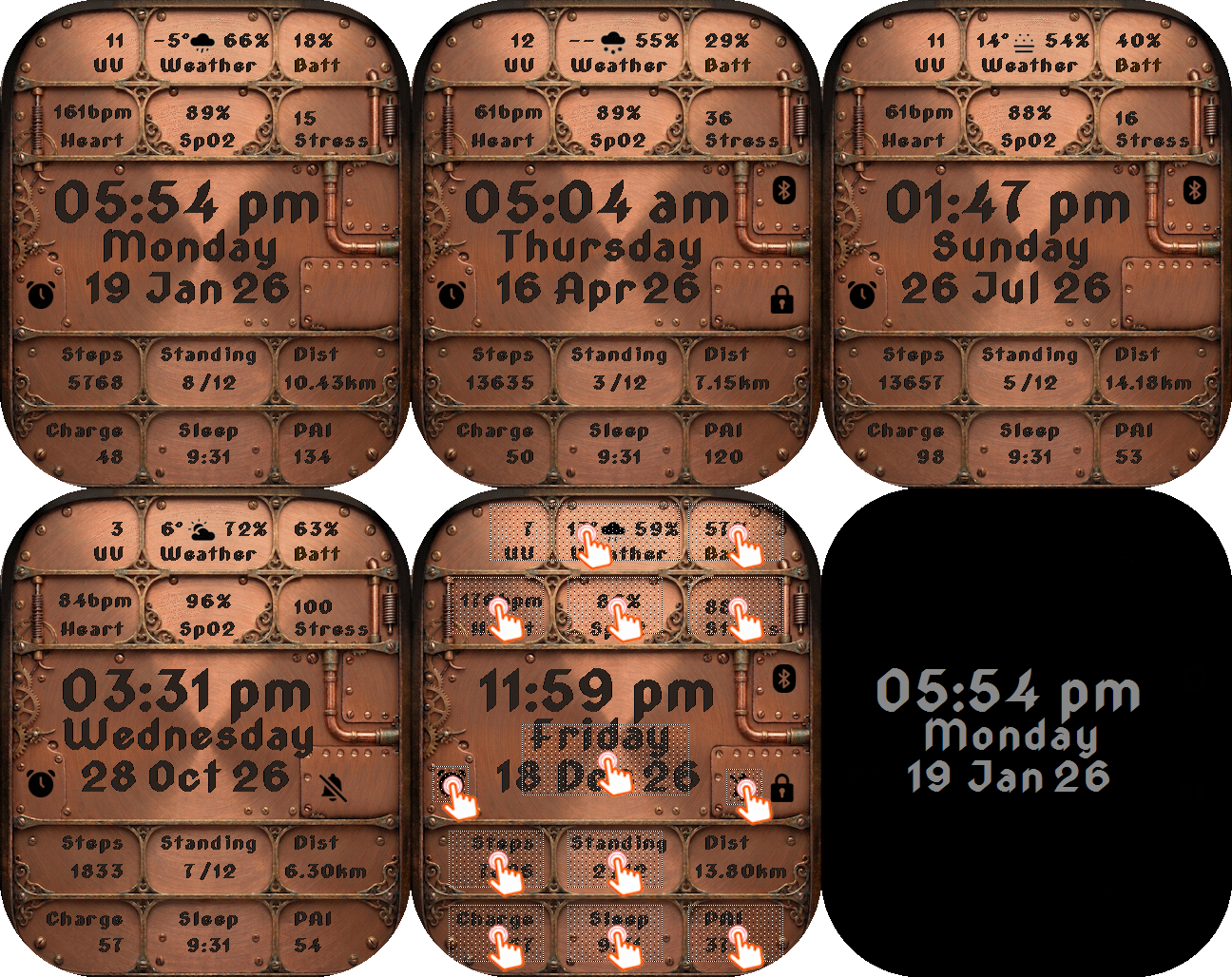
|
A mechanical, industrial layout with steampunk-inspired styling for displaying the time, conditions, activity metrics, and device status.
Official: Search |
Overview – Circuit
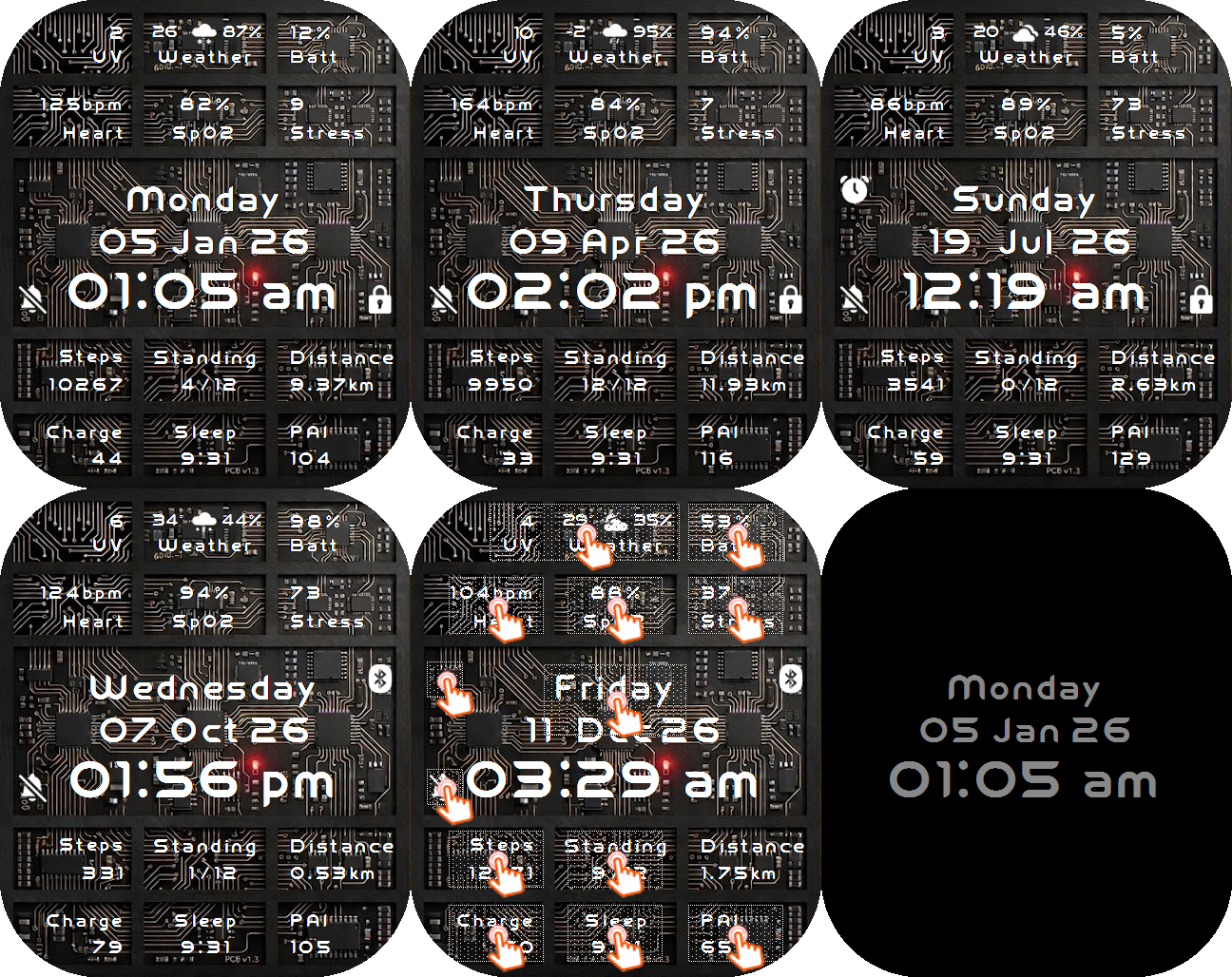
|
A technical, neon-inspired layout that frames the time, weather, activity, and status information with circuit-board detailing.
Official: Search |
Overview – Silver
|
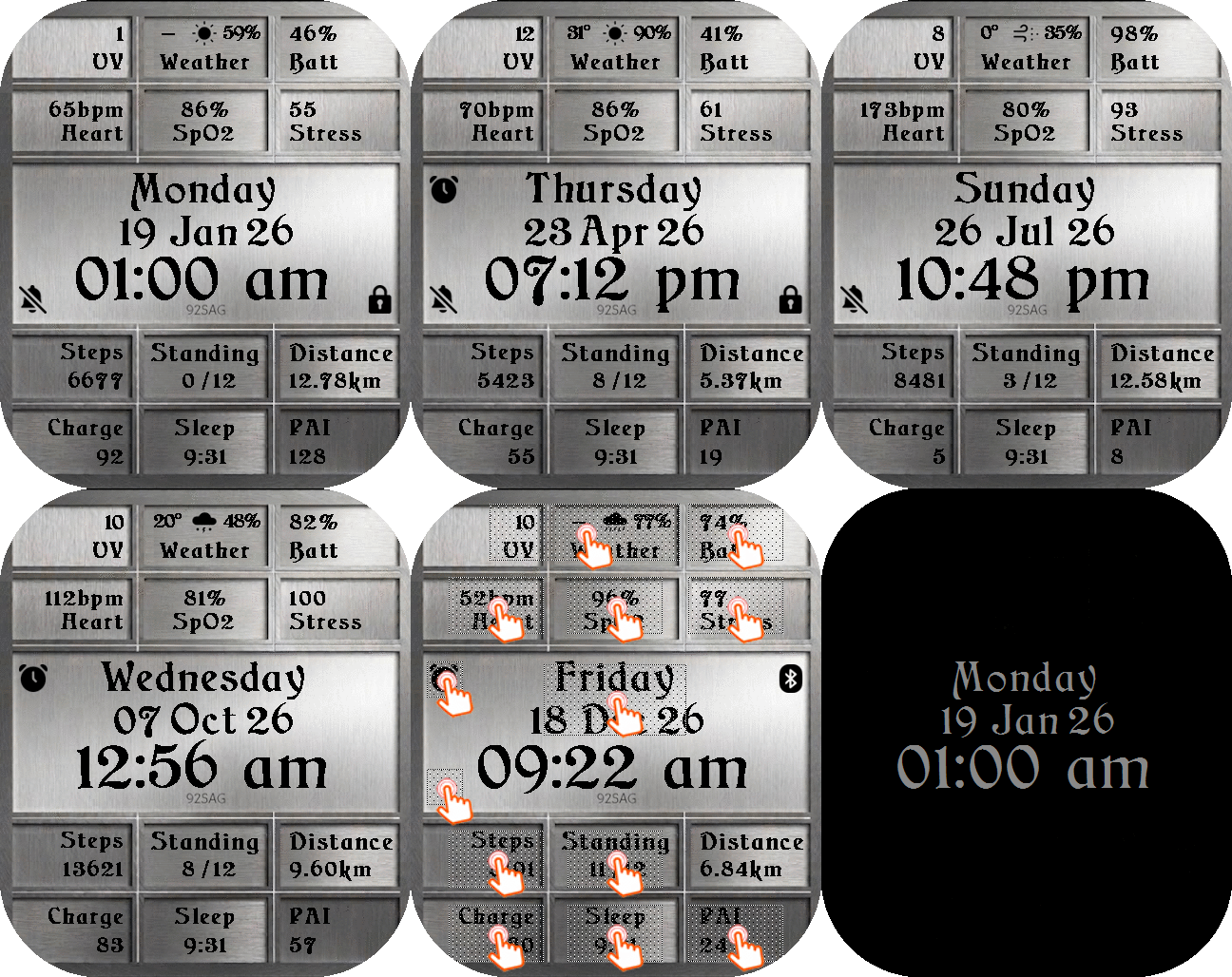
A polished monochrome layout with silver-toned styling that keeps the time and watch metrics crisp and understated.
Official: Search |
Overview – Gold
|
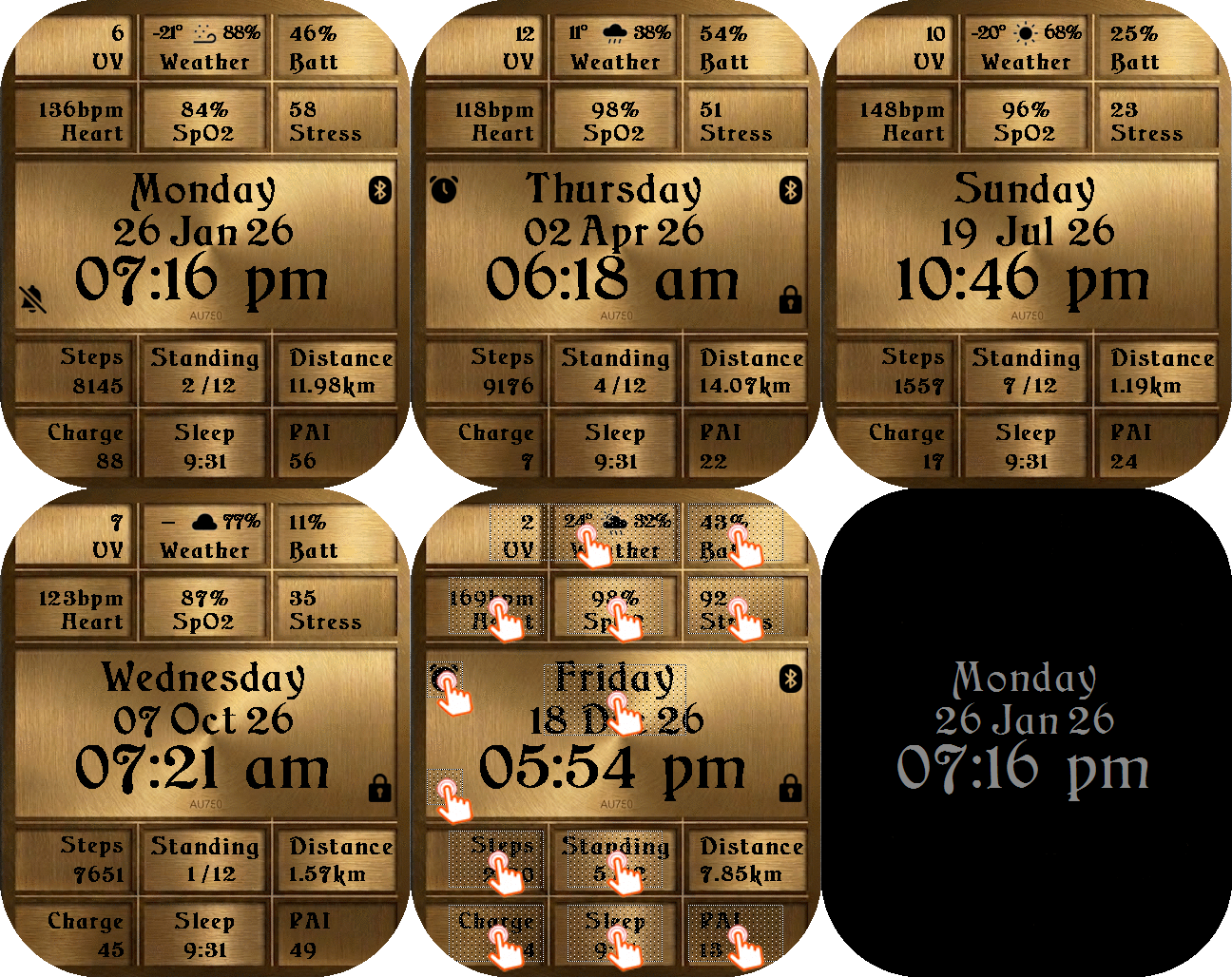
A warm metallic layout with gold-toned accents that gives the time, health, activity, and status information a premium appearance.
Official: Search |